 Kvote
Request access
Kvote
Request access
Personal project
Your Claude limits at a glance.
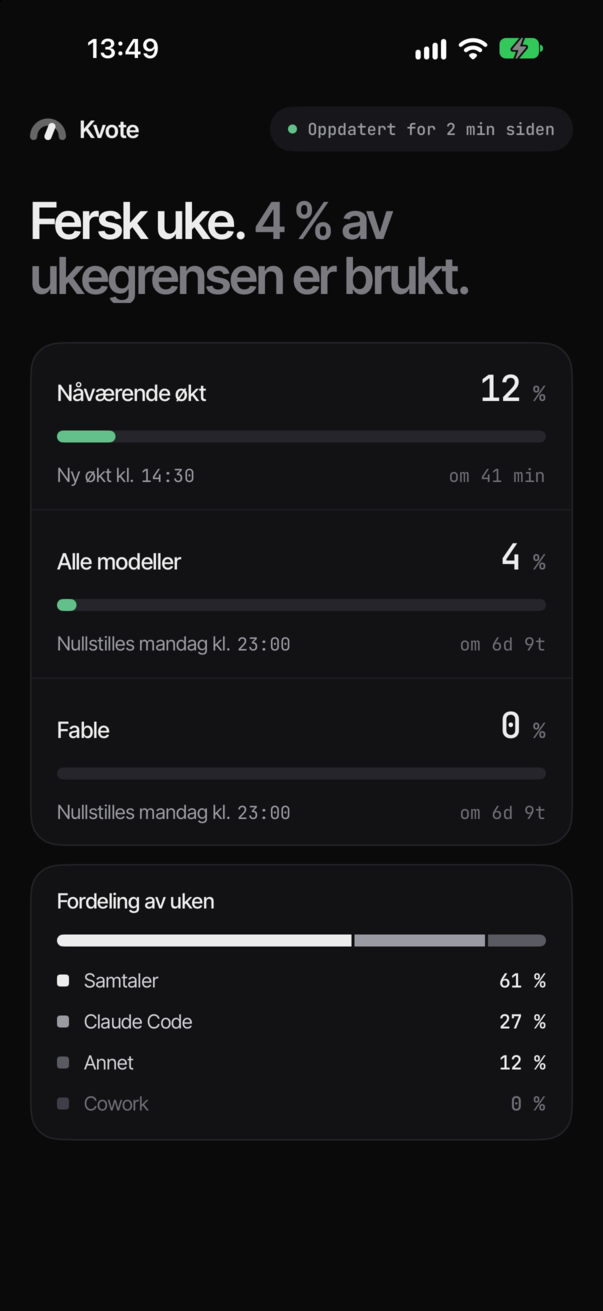
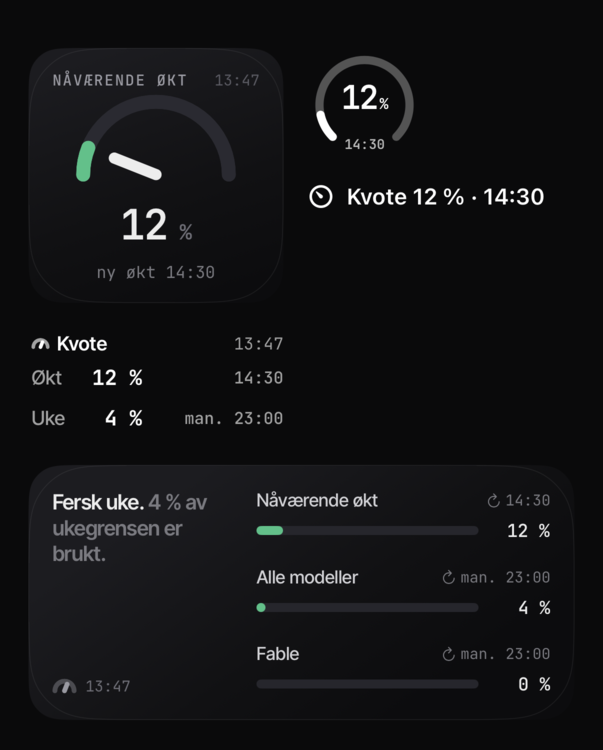
Kvote sits in your Mac's menu bar and shows how much of your current session, your week and per-model limits you have used — and puts the same numbers on your iPhone's Lock Screen.
How it works
-
Your Mac reads the limits
Once a minute, the menu bar app asks for the same numbers you see on your usage page.
-
A tiny relay keeps the latest
When something changes, the Mac sends the numbers — and only the numbers — to a small cloud relay.
-
Your iPhone shows them
The app and widgets read from the relay, so your Lock Screen tells you when the session runs out.
Your sign-in never leaves your Mac. The phone only ever sees percentages and reset times.
Request access
Kvote is a personal project, not a product. If you'd like to try it, leave your details and I'll get back to you — access is handed out by hand.